Add or remove a platform
Beginner
When creating a new game, Stride prompts you to select the platforms which you want to target. This can be changed after the fact.
Add or remove a platform
In the Solution explorer, locate the main project package. Typically it's the one that doesn't end with
.NameOfPlatform.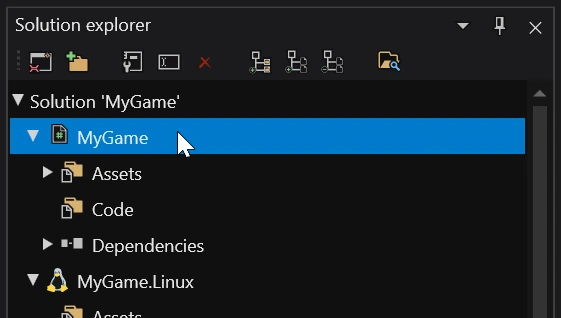
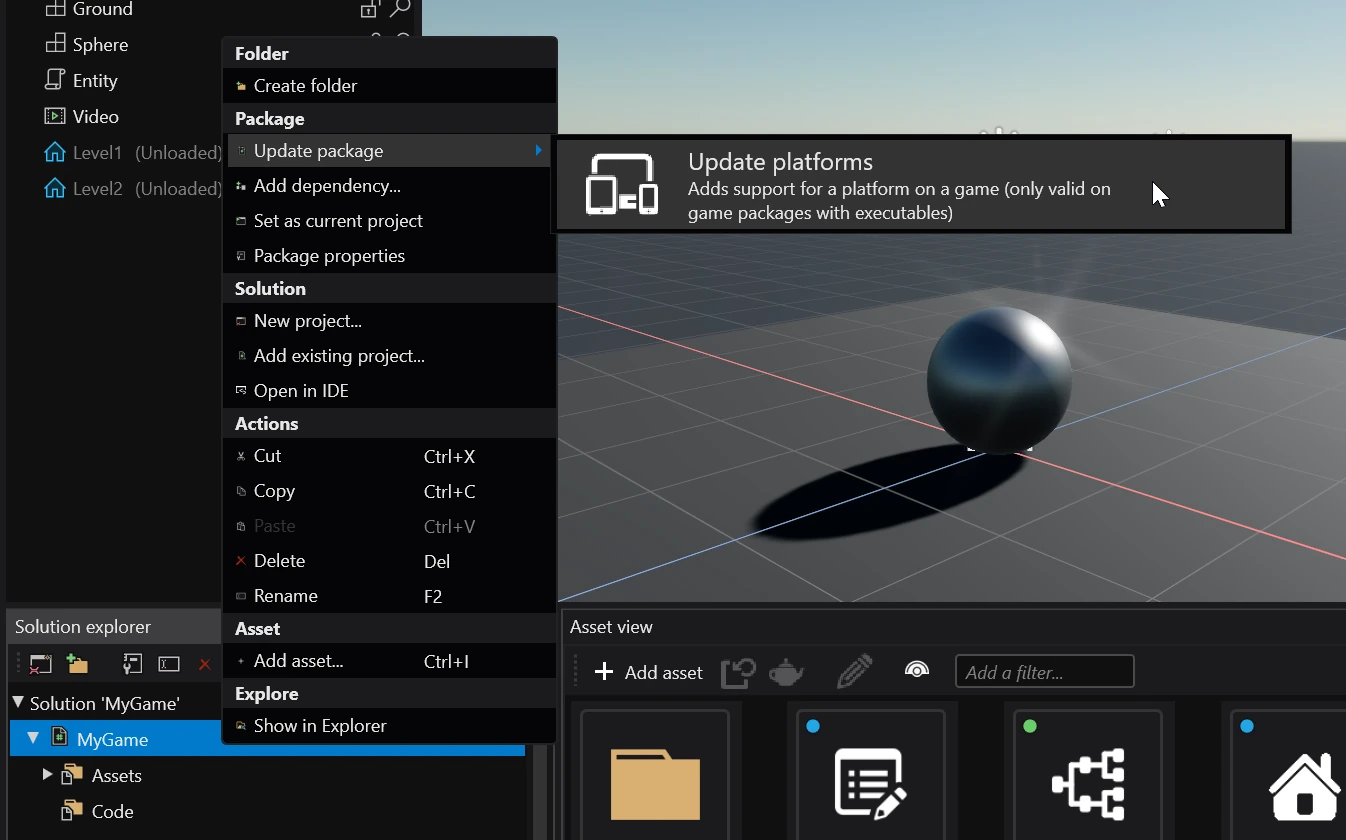
Right click on it and select Update package > Update platforms.
Select which platforms you want to support and click Ok.
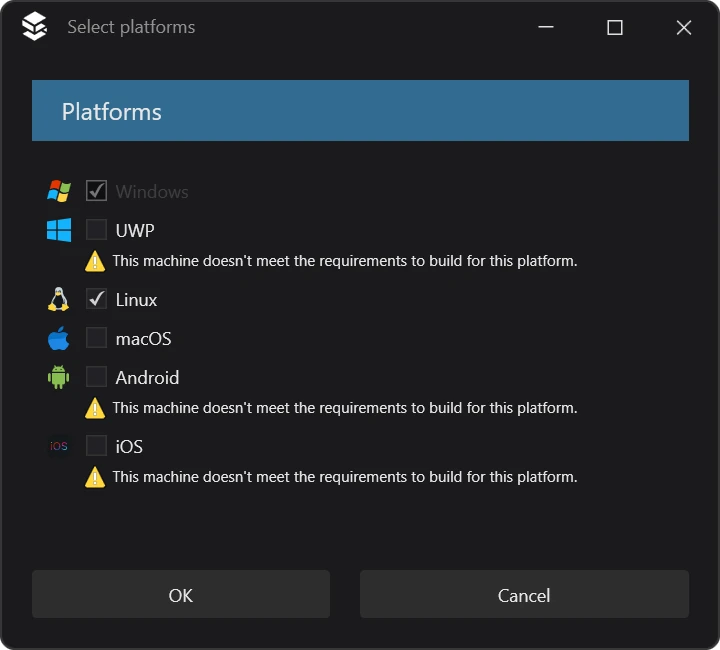
Stride will then delete platform packages for removed platforms and create new ones for the platforms that were added.
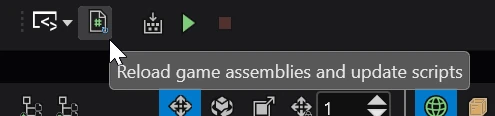
Reload the assemblies by clicking the reload game assemblies button in the toolbar.