Create a prefab
Beginner Designer
In the Asset view, click Add asset and select Prefabs > Prefab.
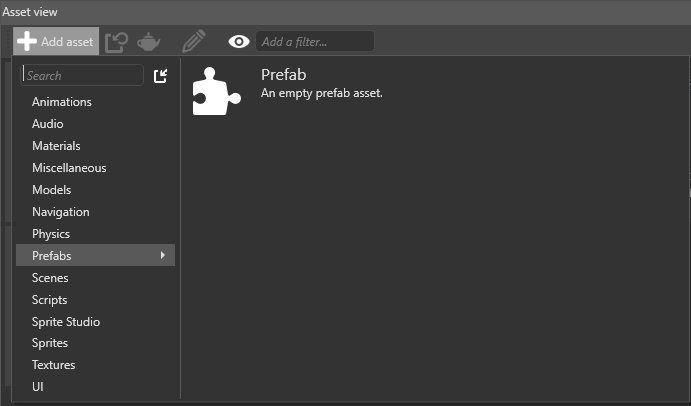
Game Studio creates an empty prefab asset with the default name Prefab. Double-click the asset to open the Prefab Editor and add entities.
Create a prefab from an entity
You can also create a prefab from an existing entity or entities.
- In the Scene editor, select the entity or entities you want to create a prefab from.
Tip
Hold Ctrl to select multiple items.
- Right-click the selection and select Create prefab from selection:
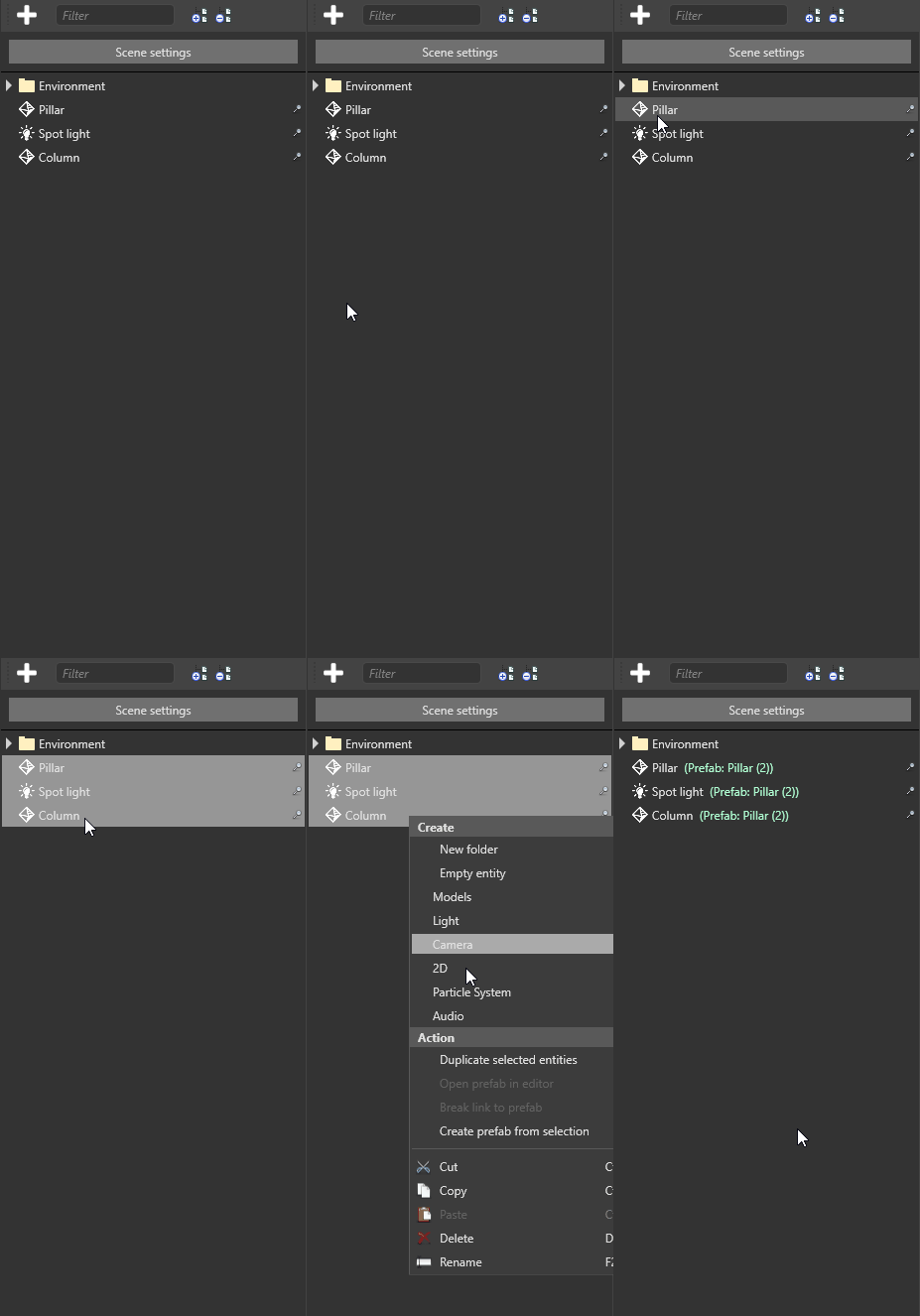
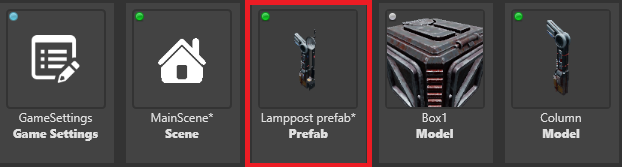
Game Studio creates a prefab asset from the entity or entities you selected. You can access the new prefab from the Asset view.
Note
After you create a prefab from a selection, the original selection itself becomes a prefab.
Create a prefab from an existing modified prefab
You can create new prefabs from modified prefabs. For example, you can instantiate a prefab, override one of its properties, then use this modified prefab instance to create a new prefab.